NEO Middleware: a configurable API gateway for your integrations
NEO Middleware is the integration layer of the NEO platform: a configurable API gateway where each integration is registered in an admin panel instead of custom code. It connects NEO modules and external systems — ERP, SAP, LIMS — validating, transforming and routing every request, with API keys, scheduling and a complete audit trail.

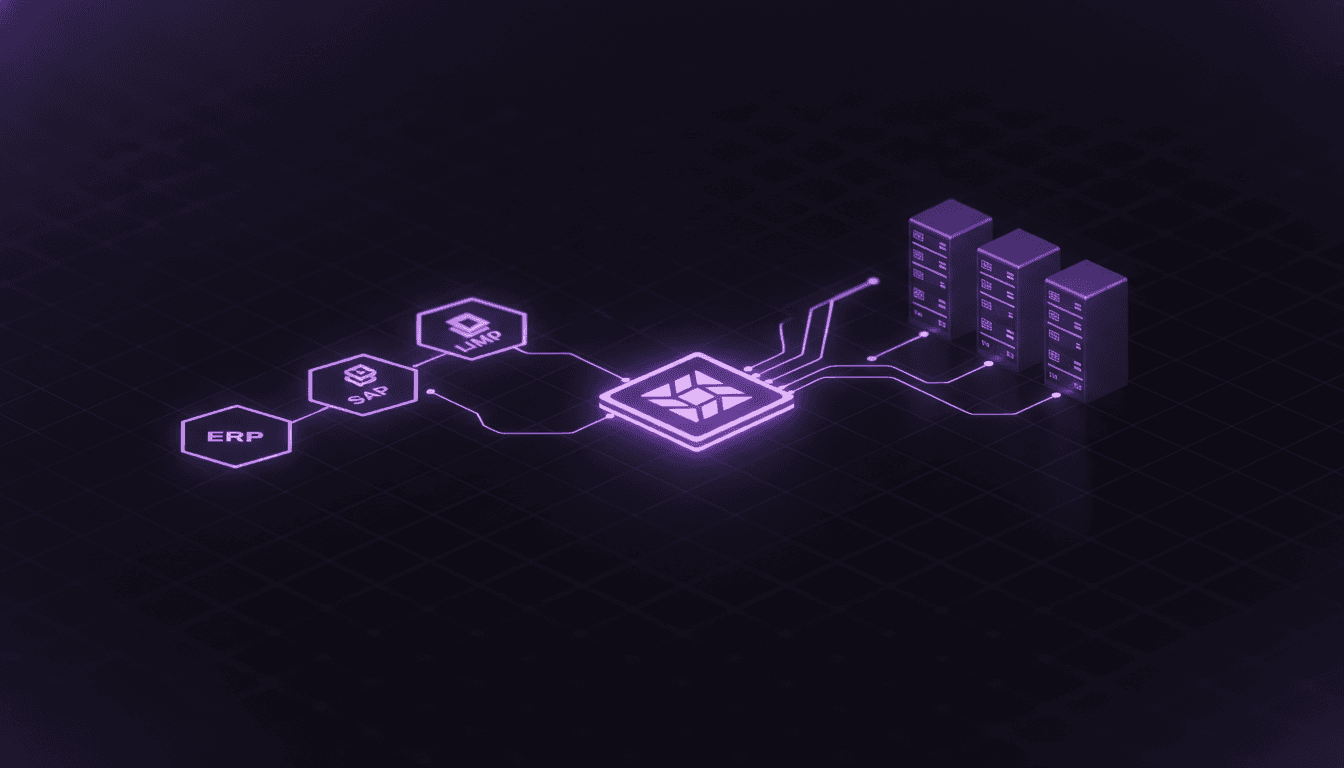
NEO Middleware sits between the systems that call you and the private backends that answer. Instead of writing and deploying a new service for every integration, you register an endpoint: a public path and method mapped to a backend target URL. Adding or changing an integration is a configuration change, not a code change.
Every call runs through the same pipeline: authenticate → validate → transform → route to the backend → log. Along the way it can validate the request and response against a JSON Schema, reshape payloads between formats, ingest a file, fan one request out to many backends, and record the outcome — so an integration is observable and governed from the first request.
What NEO Middleware gives your integrations
One pipeline for every request
Direct calls, scheduled replays and reprocessed failures all run through the same stages, so behavior is consistent no matter how a request arrives.
- API key + scopesChecked against the endpoint’s required scopes and allow-list
- JSON SchemaRequest and response checked before forwarding
- JSONata / HandlebarsReshape the payload between formats
- Proxy forwardTo the backend, circuit-breaker protected
- Request logStatus, latency and outcome recorded
Register and manage endpoints
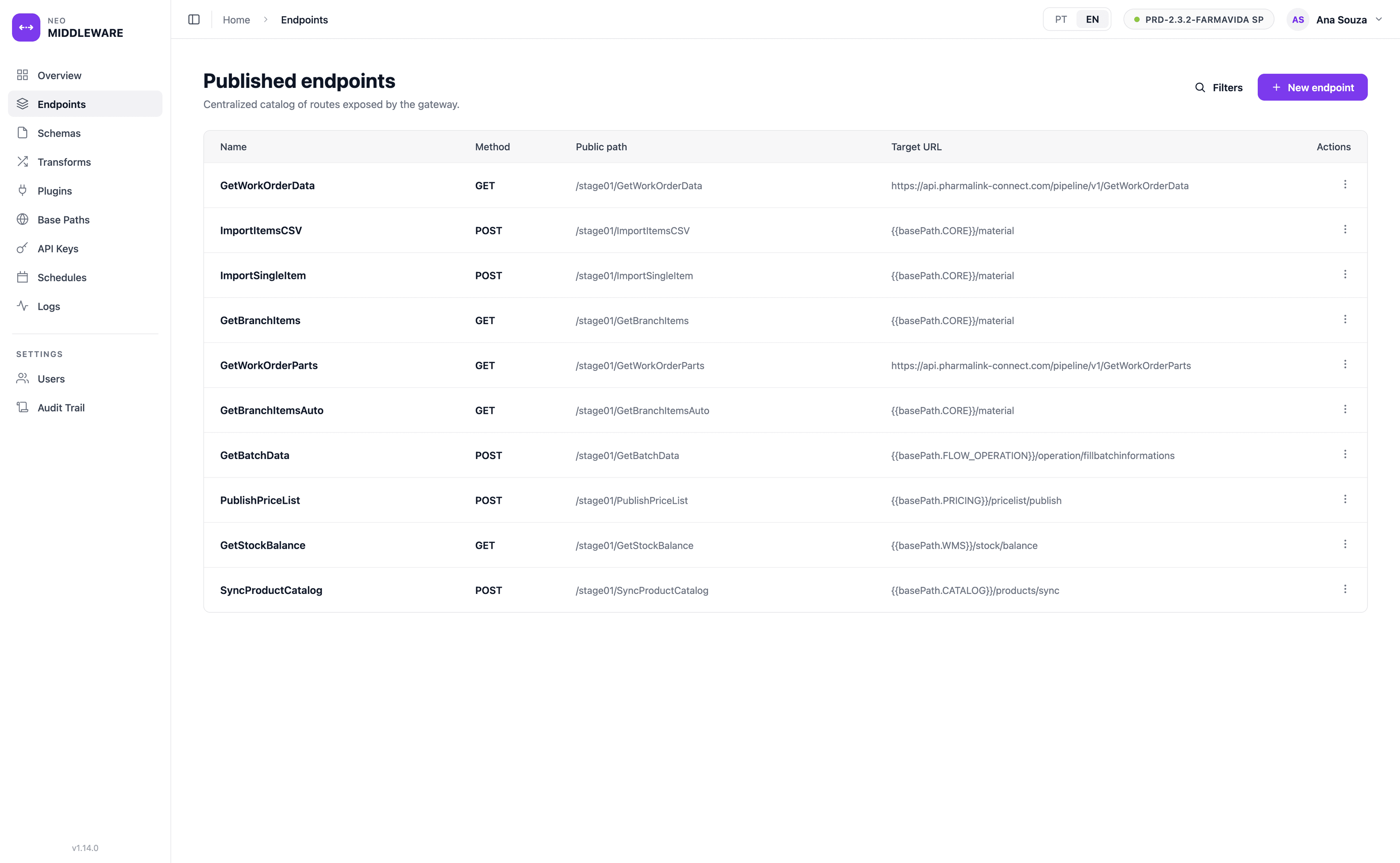
Each endpoint maps a public path and method to a backend target URL. Point it at a full URL or at a shared base path, and route dynamically to different backends by business rule when you need to — all from one catalog.
Validate requests and responses
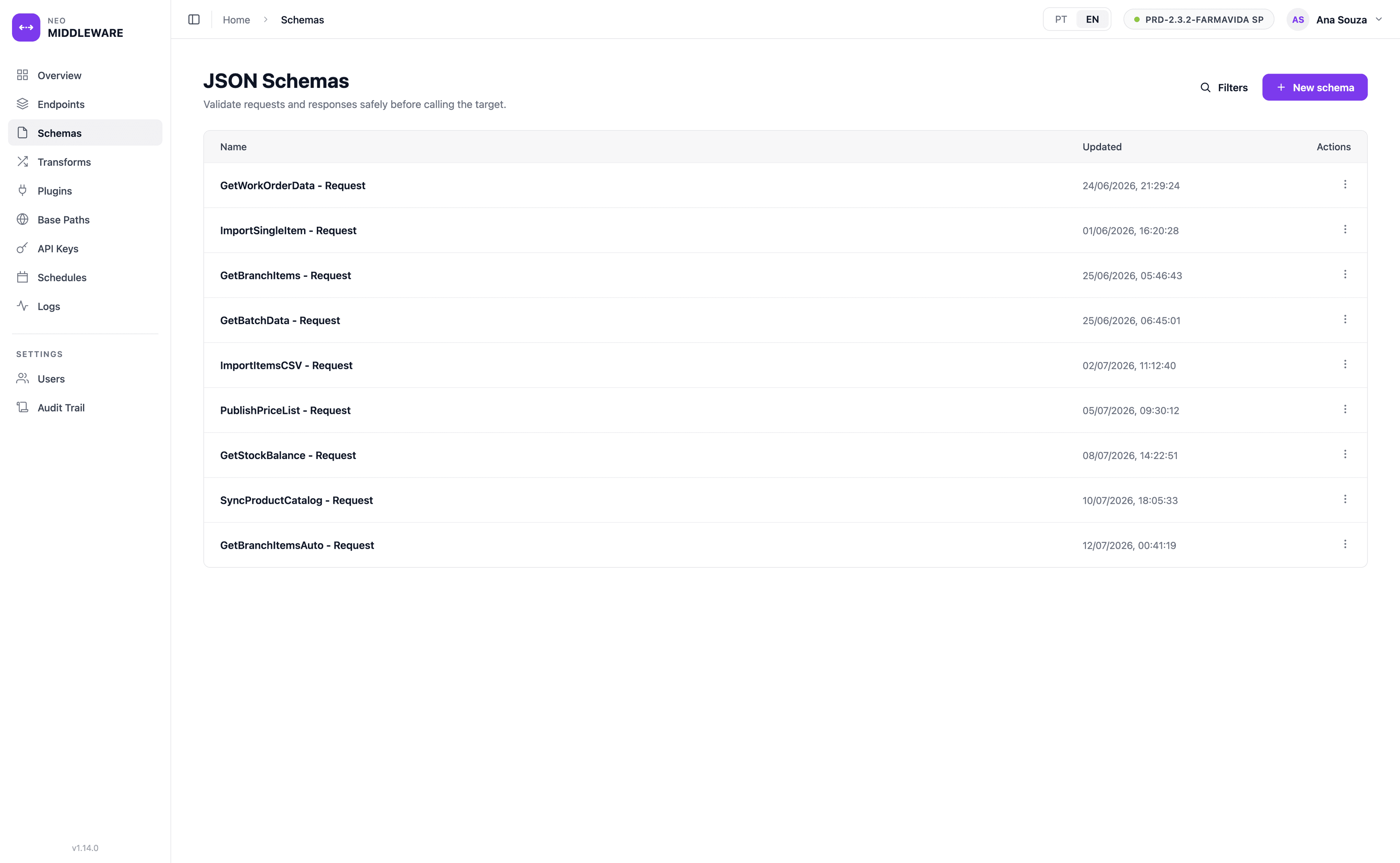
Attach a JSON Schema to an endpoint and the gateway checks the payload before it reaches the backend, returning a precise error when a field is missing or malformed — so bad data is stopped at the door, not deep in a downstream system.
Transform payloads between systems
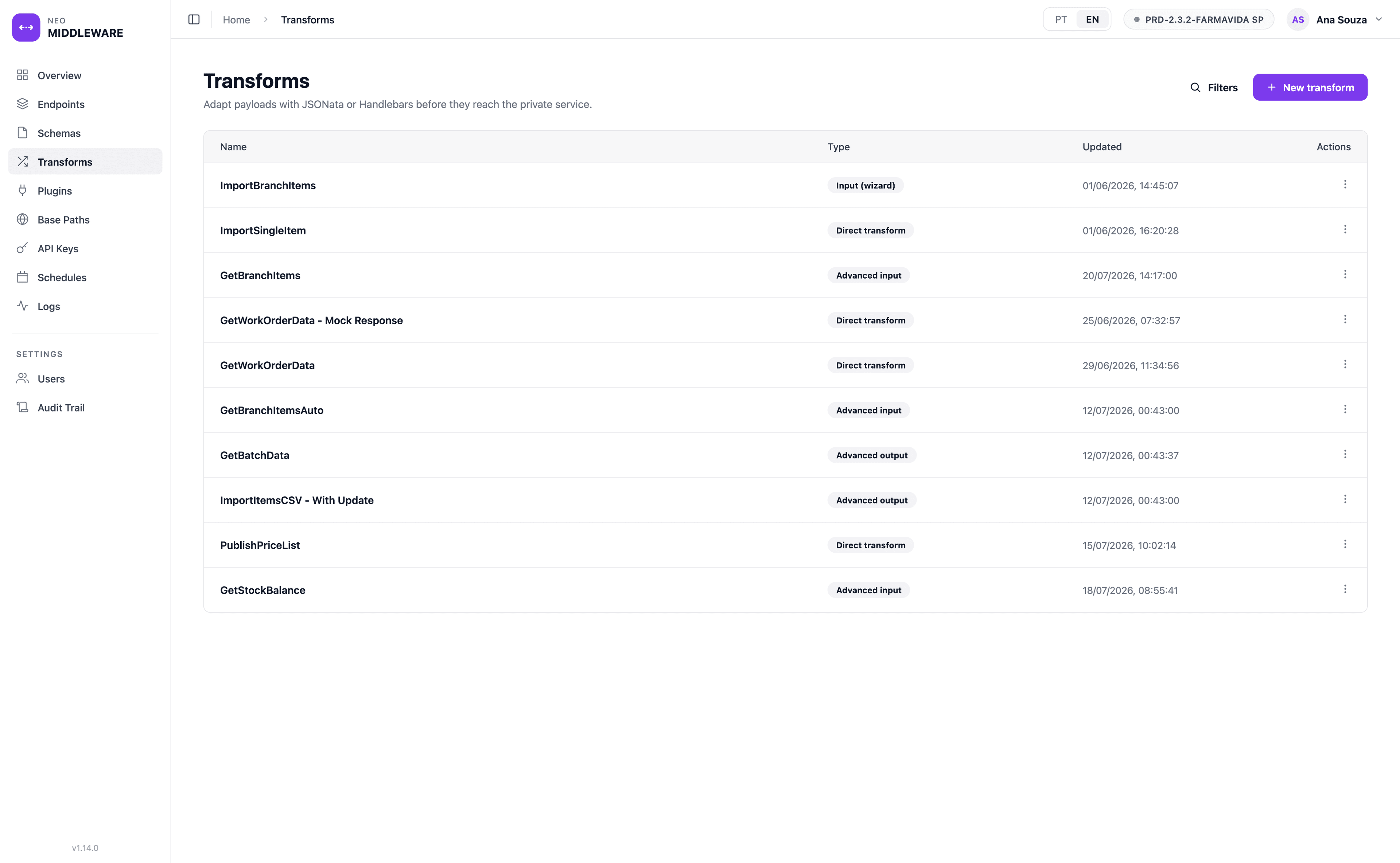
Reshape a request or response with JSONata or Handlebars — rename fields, restructure objects, enrich from a lookup, or turn an uploaded CSV into JSON. Two systems that expect different formats connect without either one being rewritten.
Pull data in with inbound plugins
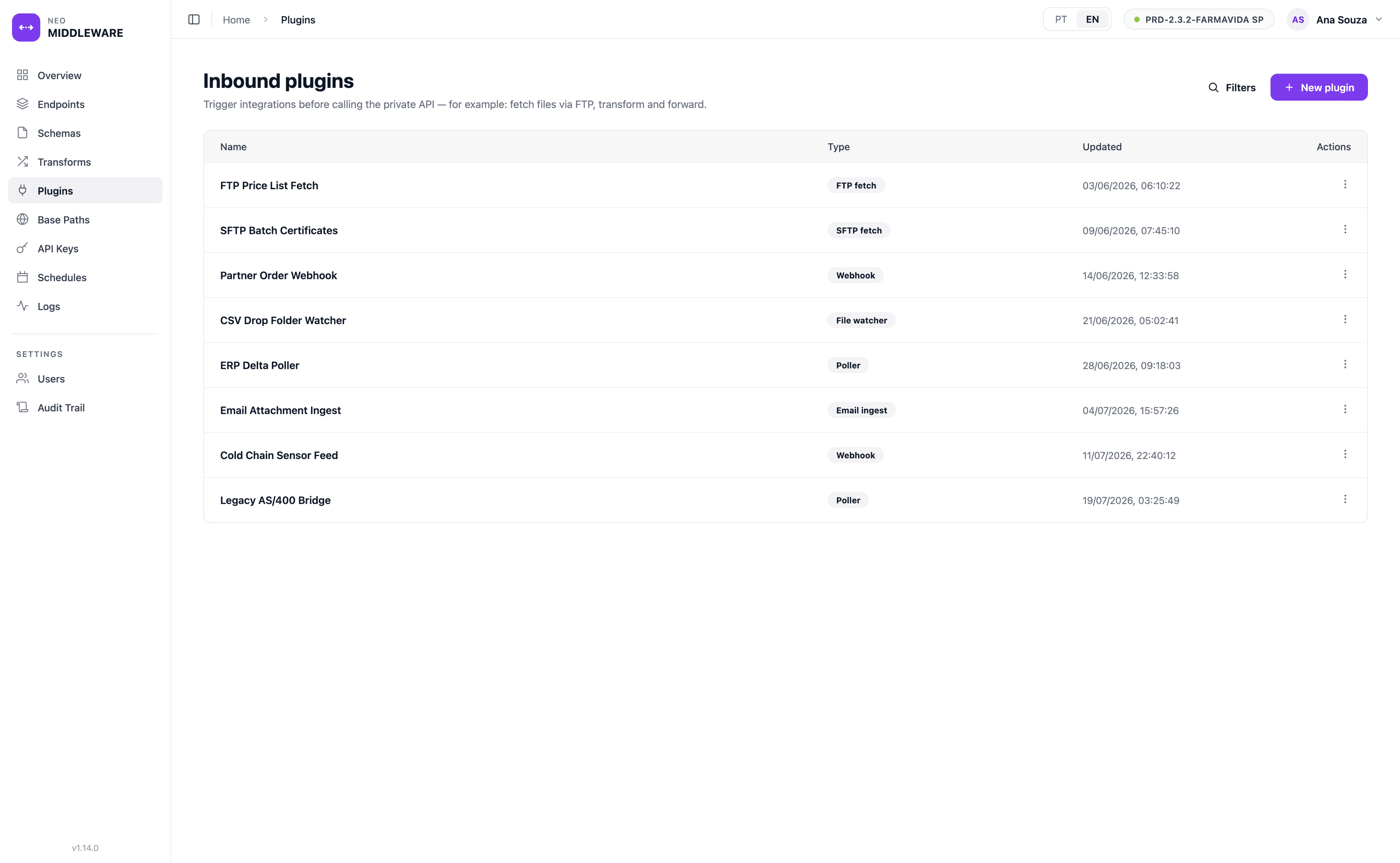
Some integrations start on the other side. An inbound plugin can fetch a file over FTP or SFTP, watch a drop folder, poll an ERP for deltas or receive a partner webhook — then feed what it collects into the same validate-transform-forward pipeline, so file-based and event-based sources are handled the same way as a direct call.
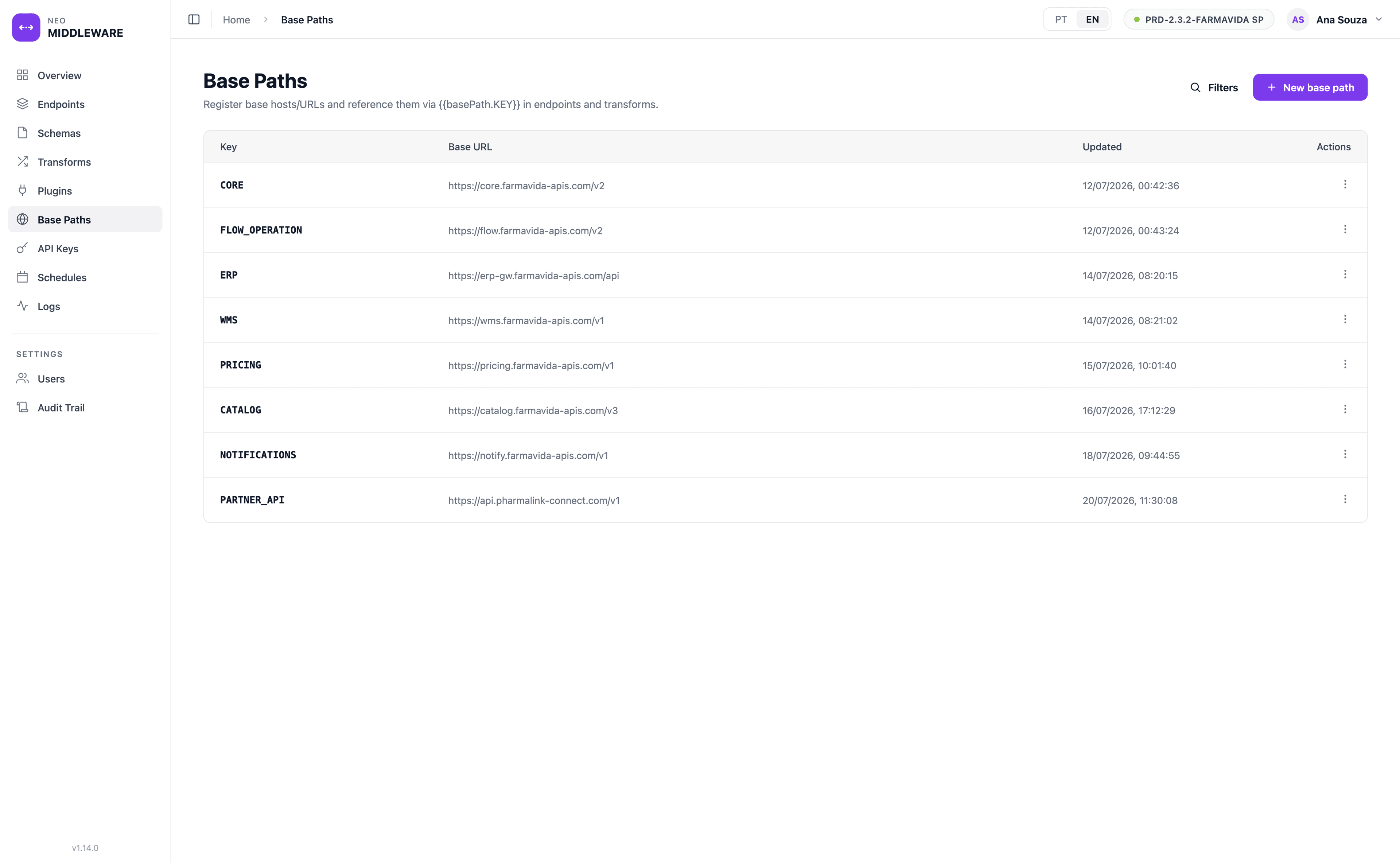
Define backend URLs once
Register a backend base URL under a key and reference it as a placeholder across endpoints and transforms. When a backend moves or a version changes, you edit one base path instead of every endpoint that points to it.
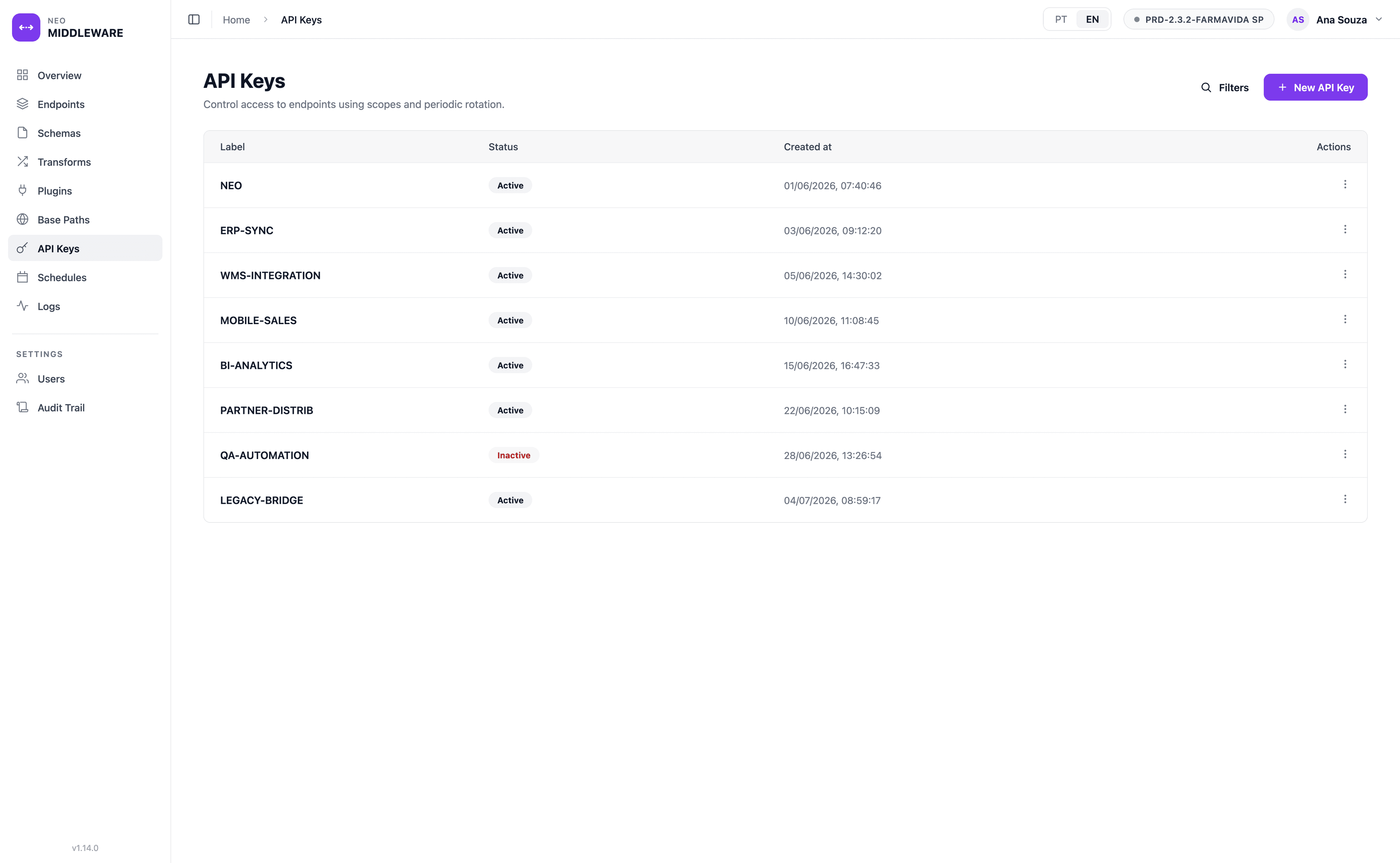
Control access with API keys
Issue API keys that carry scopes and, when you want tighter control, an explicit list of the endpoints they may call. Keys can be rotated and switched off, so access is granted deliberately and revoked cleanly.
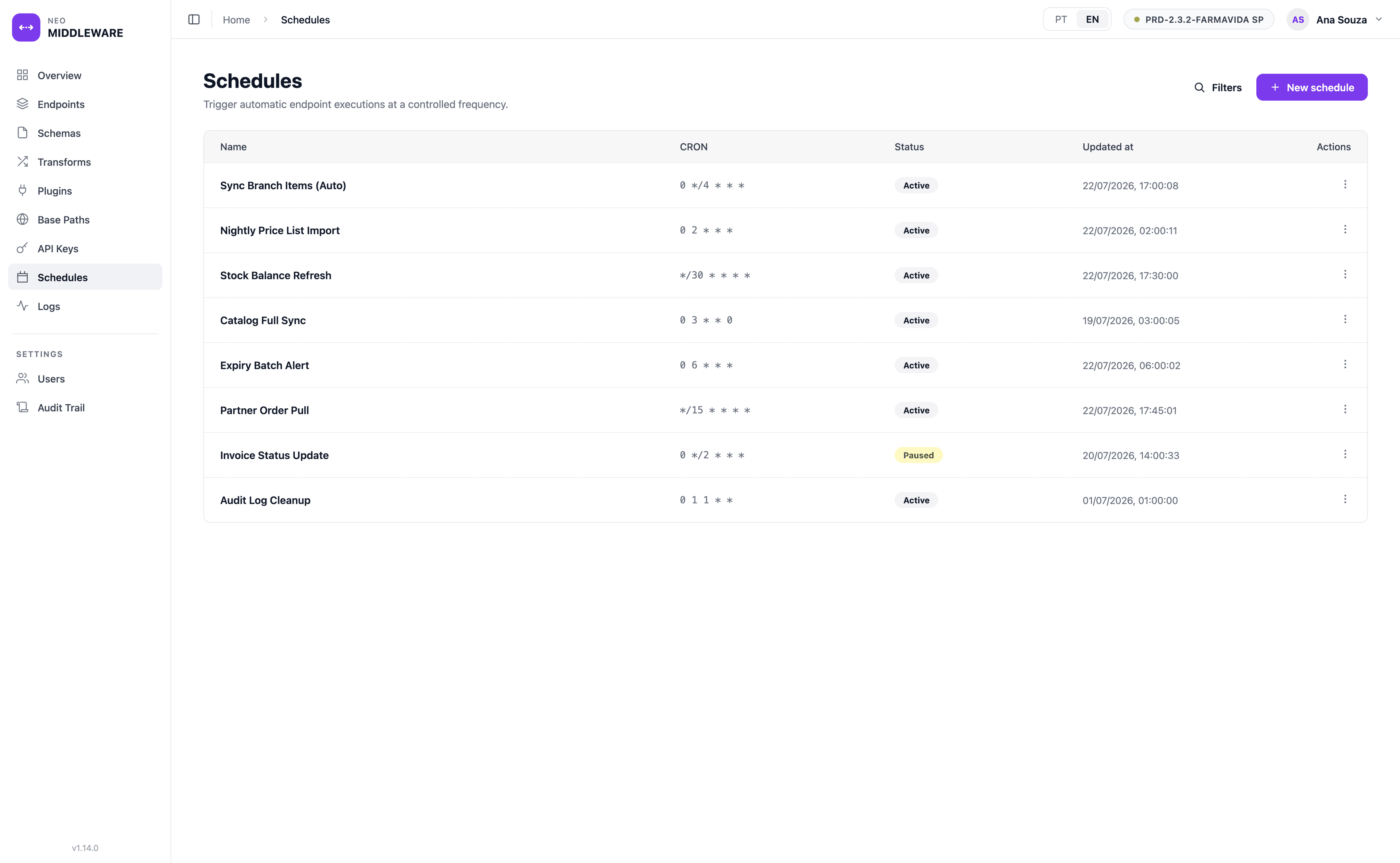
Automate calls on a schedule
Attach a CRON expression to an endpoint and the gateway runs its full pipeline on that cadence — ideal for recurring imports and syncs. Each schedule records the last run’s time and status, so a silent failure does not go unnoticed.
See every call the gateway makes
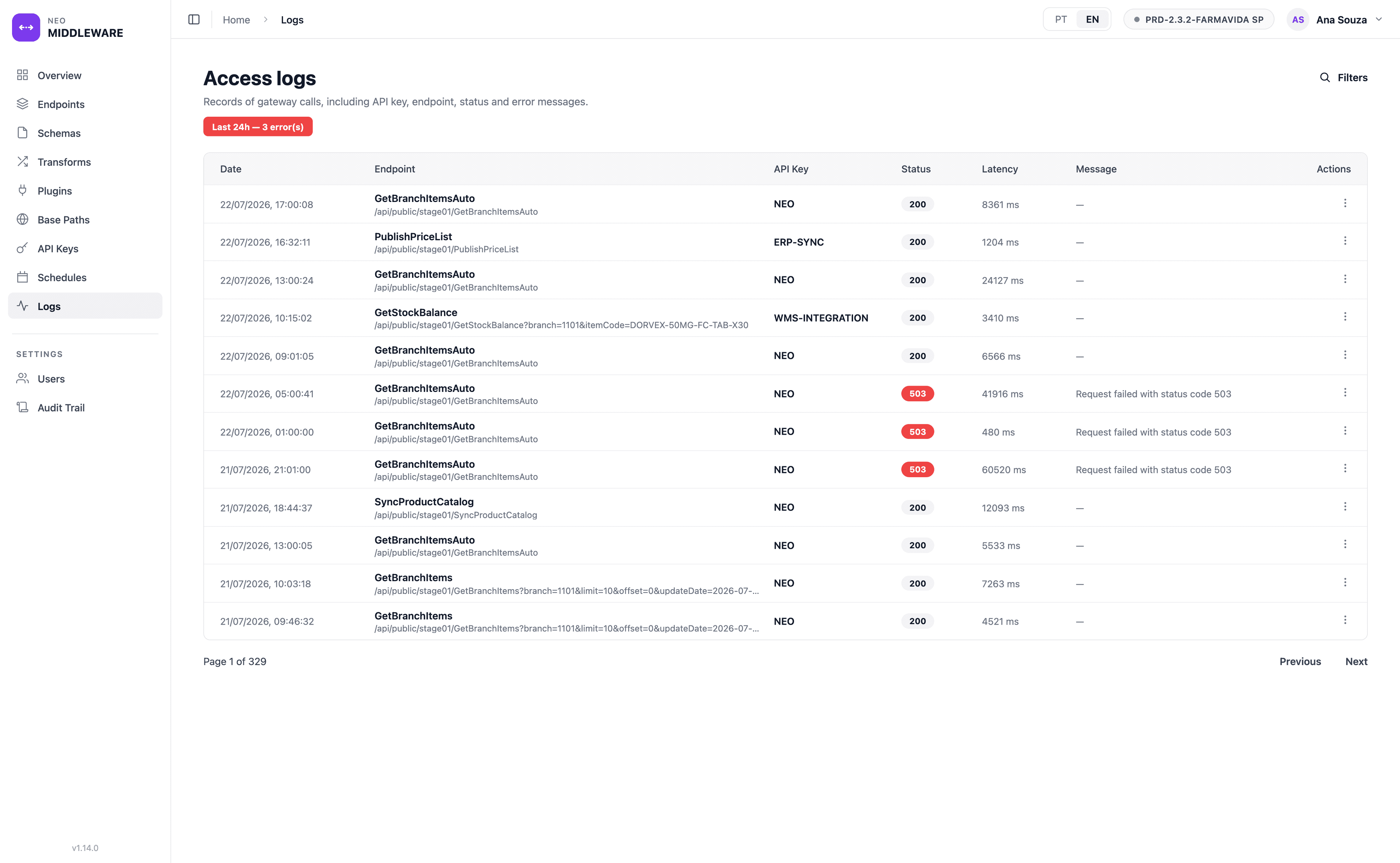
The request log lists each call with its endpoint, API key, status code, latency and error message, filterable by key, endpoint, status and date range. When something breaks, you can find the failing call and reprocess it — up to three attempts — without the source system resending anything.
A change history you can audit
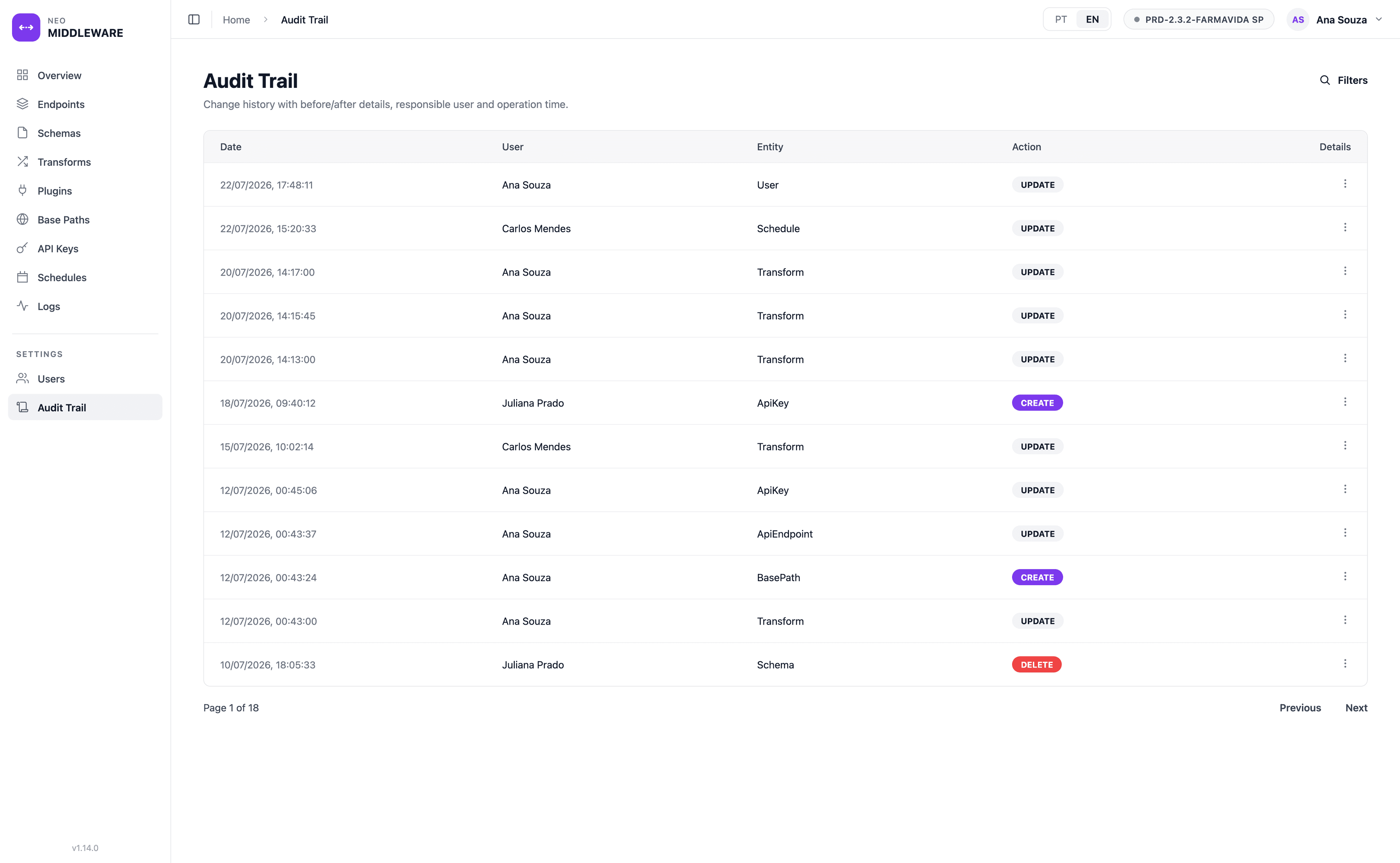
Every configuration change — to an endpoint, key, transform, schema or base path — is written to an audit trail with a before/after snapshot, the user responsible and the time. In a regulated environment, that is the evidence that your integration layer is under control.
Security and governance built in
NEO Middleware in the NEO platform
NEO Middleware is where the NEO platform meets the rest of your systems. Rather than each module carrying its own integrations, they route through one governed gateway: NEO FLOW, NEO EBR and NEO TASK exchange data with your ERP, LIMS and partner APIs through endpoints defined here.
Because every call is validated, transformed, logged and audited in one place, the integration layer itself becomes part of your digital compliance story — traceable and under control, rather than a set of scripts no one can fully account for.
Who NEO Middleware is for
- One place for every connectionRegister, change and retire integrations from a single panel, with base paths so a backend URL is defined once and reused everywhere.
- Automated, reliable syncsSchedule recurring imports and syncs, watch them in the logs, and reprocess a failed call without asking the source system to resend it.
- A traceable integration layerEvery configuration change is captured in an audit trail with before/after detail, supporting the traceability a regulated environment expects.
Frequently asked questions
Do I need to write code to add an integration?+
No. An integration is an endpoint you configure in the admin panel — a public path and method mapped to a backend URL. Validation is a JSON Schema, and payload transforms are written declaratively with JSONata or Handlebars, so most integrations are configuration rather than a new deployment.
How are callers and administrators authenticated?+
Callers to the public gateway present an API key that must hold the scopes the endpoint requires, and stay within any endpoint allow-list on the key. Administrators sign in to the panel with a password plus an emailed one-time code, or through Microsoft/Google sign-in, and their access is limited by role.
Can NEO Middleware connect to systems outside NEO?+
Yes. Any HTTP backend can be a target — ERP, SAP, LIMS or a partner API. Base paths and transforms adapt URLs and formats, an inbound FTP plugin can fetch a file before the call, and an endpoint can accept a file upload and run it through a CSV/JSON pipeline before forwarding.
Is it tied to the NEO suite?+
It is the integration layer of the NEO platform, but works as a general-purpose gateway. It is commonly used to connect NEO modules such as NEO FLOW, NEO EBR and NEO TASK to a company’s ERP, LIMS and other systems, without embedding those integrations in each module.
In a demo we’ll register an endpoint, validate and transform a payload, and route it to a backend — using an integration close to your reality, so you can see how quickly a new connection goes live.